
Create shipments before documents arrive
You can now pre-register a container in Trackberry the moment you have booking confirmation — no packing list required.
When to use it: your container is at sea but the supplier hasn’t sent documents yet. A draft puts the ETA on your dashboard so your team can plan for the arrival without waiting for the paperwork.
How it works
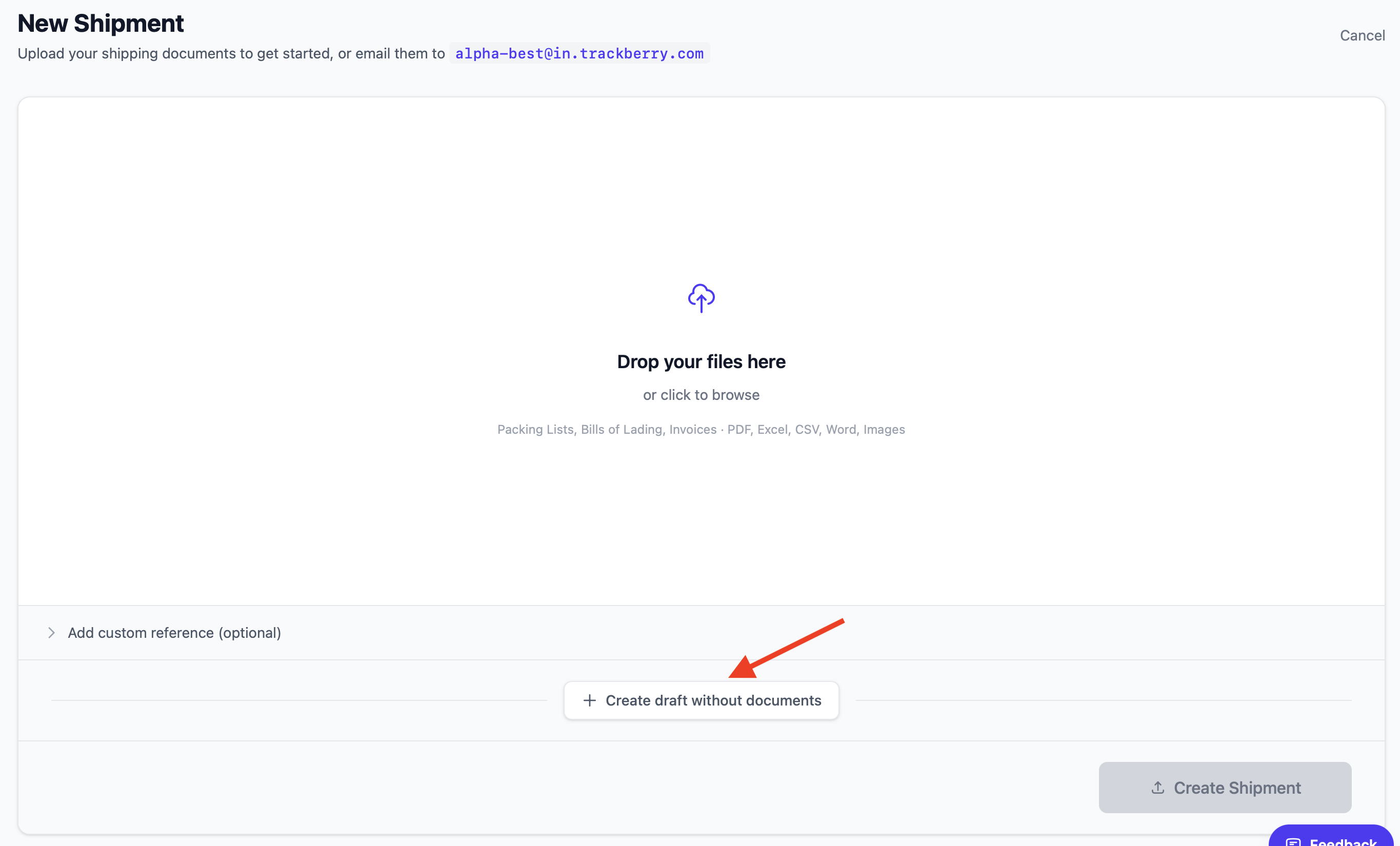
- Go to Shipments → New Shipment
- Click Create draft without documents
Fill in the container number, ETA, port of discharge and produce. The ETD, vessel, port of loading and shipper are optional.
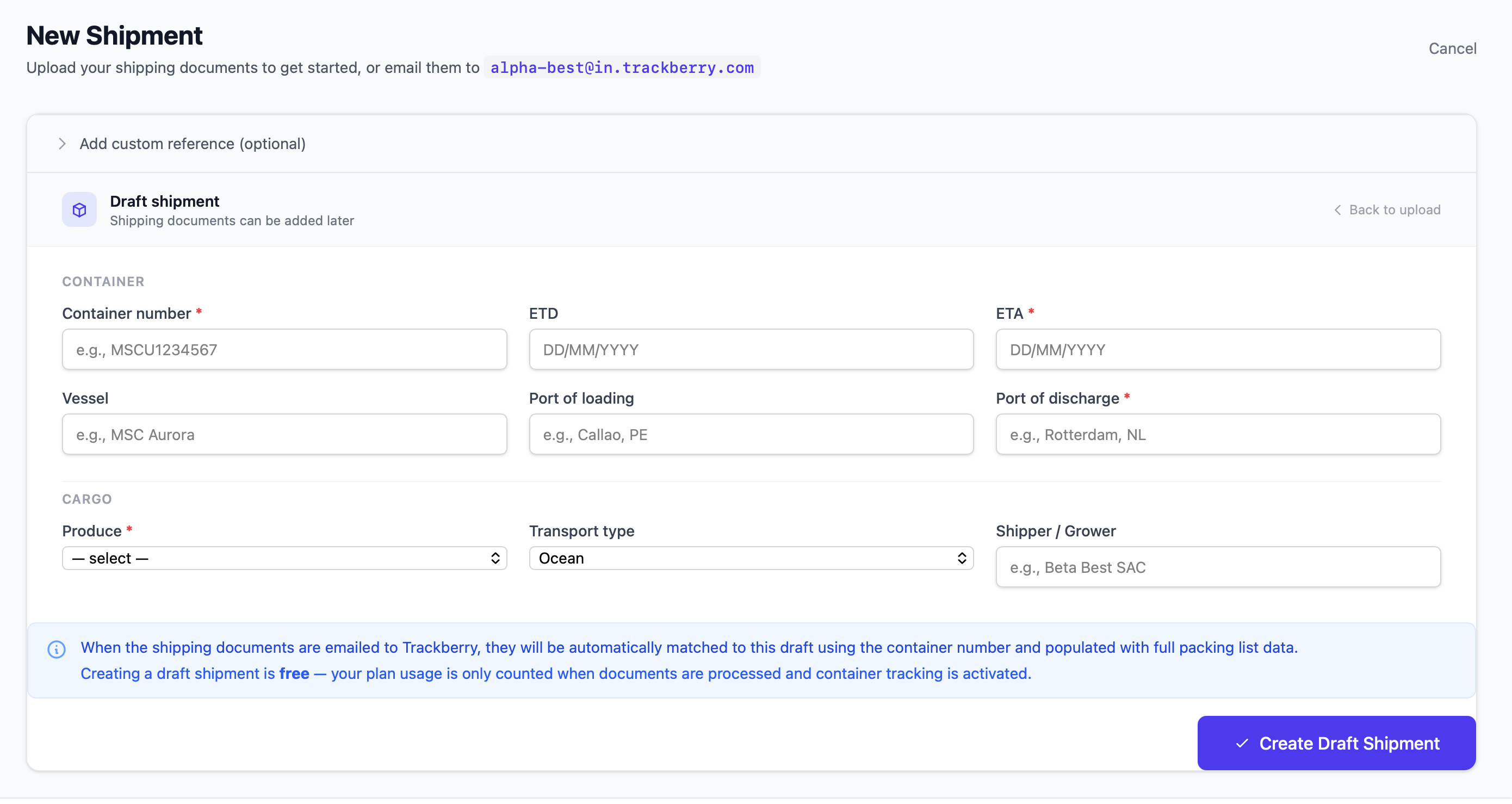
Click Create Draft Shipment.
When the packing list arrives by email, Trackberry automatically matches it to the draft using the container number and completes the shipment — no manual linking needed.
Creating a draft is free. Your plan usage is only counted when documents are processed or container tracking is activated.
Draft shipments carry a Manual entry badge in your shipment list, so they’re easy to spot.
Related updates
- Match every charge to a container number 22 September 2026
- Start tracking without waiting for the transport document 3 September 2026